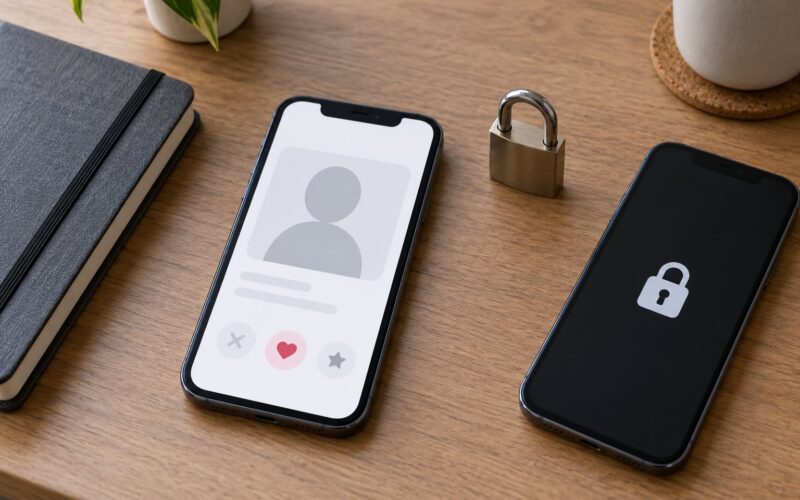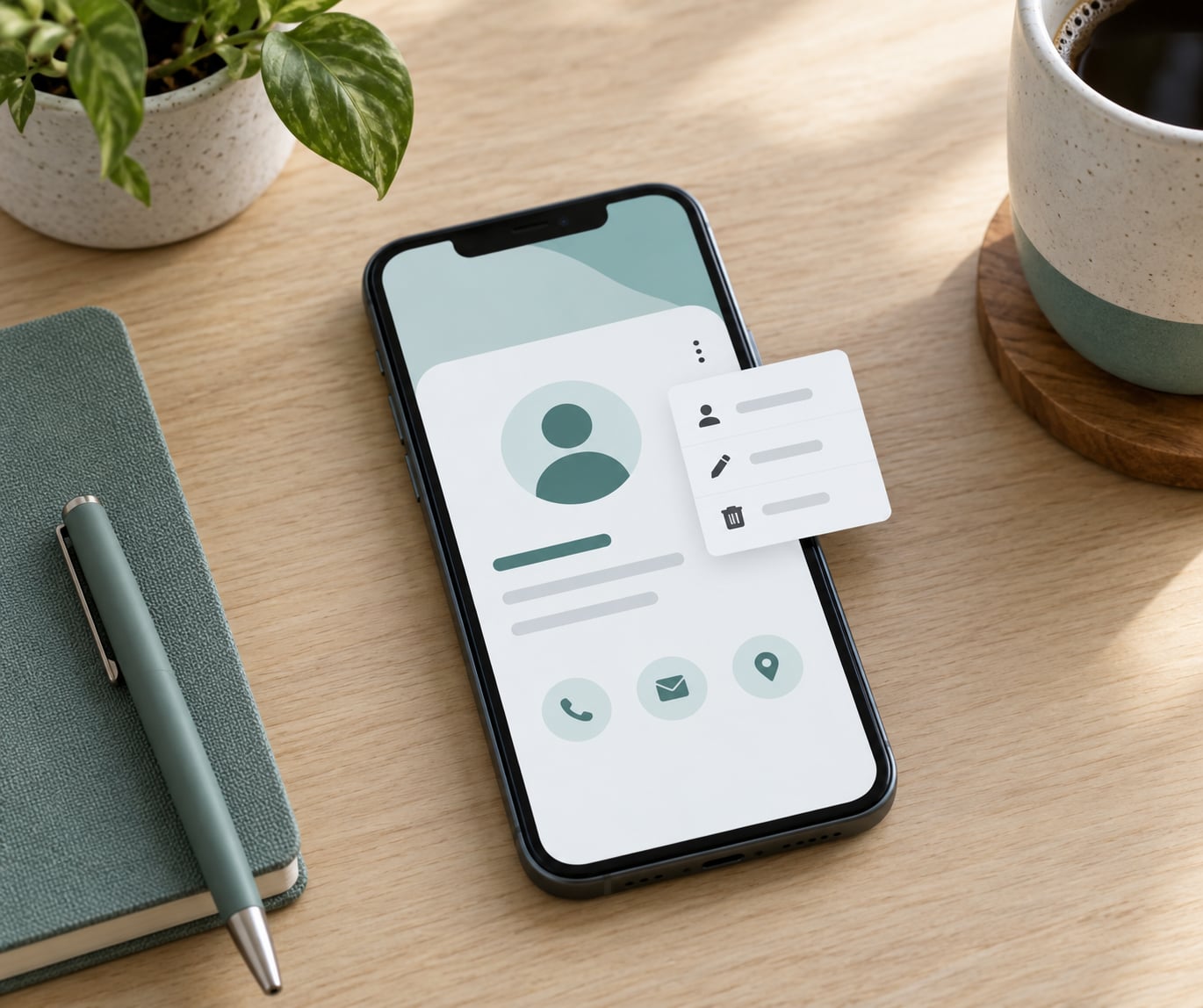
To block and report someone on a dating app, open their profile or open chat, tap the menu button (usually three dots or a flag icon), choose Block, Report, or Block & Report, pick the reason that fits, and submit. Then tighten your privacy settings. Most apps let you do both in one action, and the platform never tells the person you reported that you did it.
Screenshot everything first. Blocking removes your access to the conversation, so the evidence is gone the moment you tap the button unless you saved it.
The menu labels differ by app and shift with app versions, so treat the steps below as a map rather than a fixed contract. If the button you remember is not there, update the app before assuming it was removed.
What You Need
You need two things: a device with the current version of the app and access to the account. That is it. A second phone or a desktop browser is helpful when you want to check whether a profile is still visible after you block it.
You also need evidence, and you need it before you act. Capture the full conversation with dates and timestamps, the profile photos and bio, the username, any profile link the app offers, and the phone number or payment handle if they moved to text.
Keep that evidence somewhere separate from the app. Email it to yourself, put it in a folder on your computer, or print it. A screenshot inside the same app that may delete the account is a screenshot you might lose.
If the messages included explicit images, do not forward them to friends for a reaction. Save the originals with their timestamps intact, since they are the material a platform investigator or a police report will ask for.
Step-by-Step Instructions
Every app runs the same four-step process: find the profile, report the violation, block the contact, and confirm both actions registered. What changes between apps is the button name and where the menu hides.
How to Block and Report Someone on a Dating App
Here is the direct answer. Open the profile or the open conversation. Tap the menu, which is three horizontal dots, three vertical dots, a flag, or an ellipsis circle depending on the app. Choose Report, Block, Hide & Report, or Block & Report. Select the reason that best matches what happened and add details if the app offers a text box. Submit. If you chose report only, go back and block separately so no further messages can arrive.
That sequence works on Tinder, Bumble, Hinge, Badoo, Grindr, HER, and Coffee Meets Bagel, though the wording shifts. On Bumble the chat menu gives you a combined Block & Report option, and a profile you have not swiped on offers Hide & Report at the bottom instead. On Tinder and Hinge the report entry often sits lower in the profile menu, below the photo grid.
Report first, block second. That order preserves your access to the conversation while the report is being filed.
Find the Person’s Profile and Safety Options
Start where you already have them. An open chat is usually the fastest route, because the safety controls sit in the conversation header rather than buried in a profile. Tap the name or avatar at the top of the chat to open the profile and match details.
If you have not matched yet, open their profile from your browse or discover feed and scroll to the bottom. Report controls on un-swiped profiles usually sit after the bio and prompt buttons.
If the options are missing entirely, three things are usually responsible. The app is out of date, so update it from your app store. You are looking at a linked social account rather than an in-app profile, and those get reported from the social platform instead. Or the person is someone you already unmatched, which removes the in-app entry point.
On desktop and web versions, the same controls usually live in the profile’s ellipsis menu. Badoo puts Block and Report together in one row near the profile actions.
Report the Problem With Useful Evidence
Choose the most accurate category, not the most dramatic one. Misclassified reports get sorted into general conduct buckets and reviewed slowly or dropped.
The categories you will see across most apps cover harassment and unwanted messages, sexual messages and unsolicited nudity, threats and stalking, fake or impersonating profiles, discrimination and identity-based hate, off-app behavior that violated the community guidelines, and a catch-all for anything that breaks the terms of use.
A few categories deserve their own wording. For fake profiles, name what is wrong: a stolen photo, a job offer that leads off-platform, a military or medical profile asking for money. For impersonation, name the real person being impersonated if you know. For threats, write the threat out as it was written.
Describe the behavior plainly. Dates, times, and verbatim messages are what make a report actionable. “He was extremely rude” is hard to act on. “Between March 4 and March 9 he sent 30 messages calling me names after I declined a second date” is reviewable.
Some apps accept image attachments inside the report form, and several accept a link to an external document or cloud folder. Attach only what shows the violation and keep the surrounding context visible.
Block the User and Prevent Further Contact
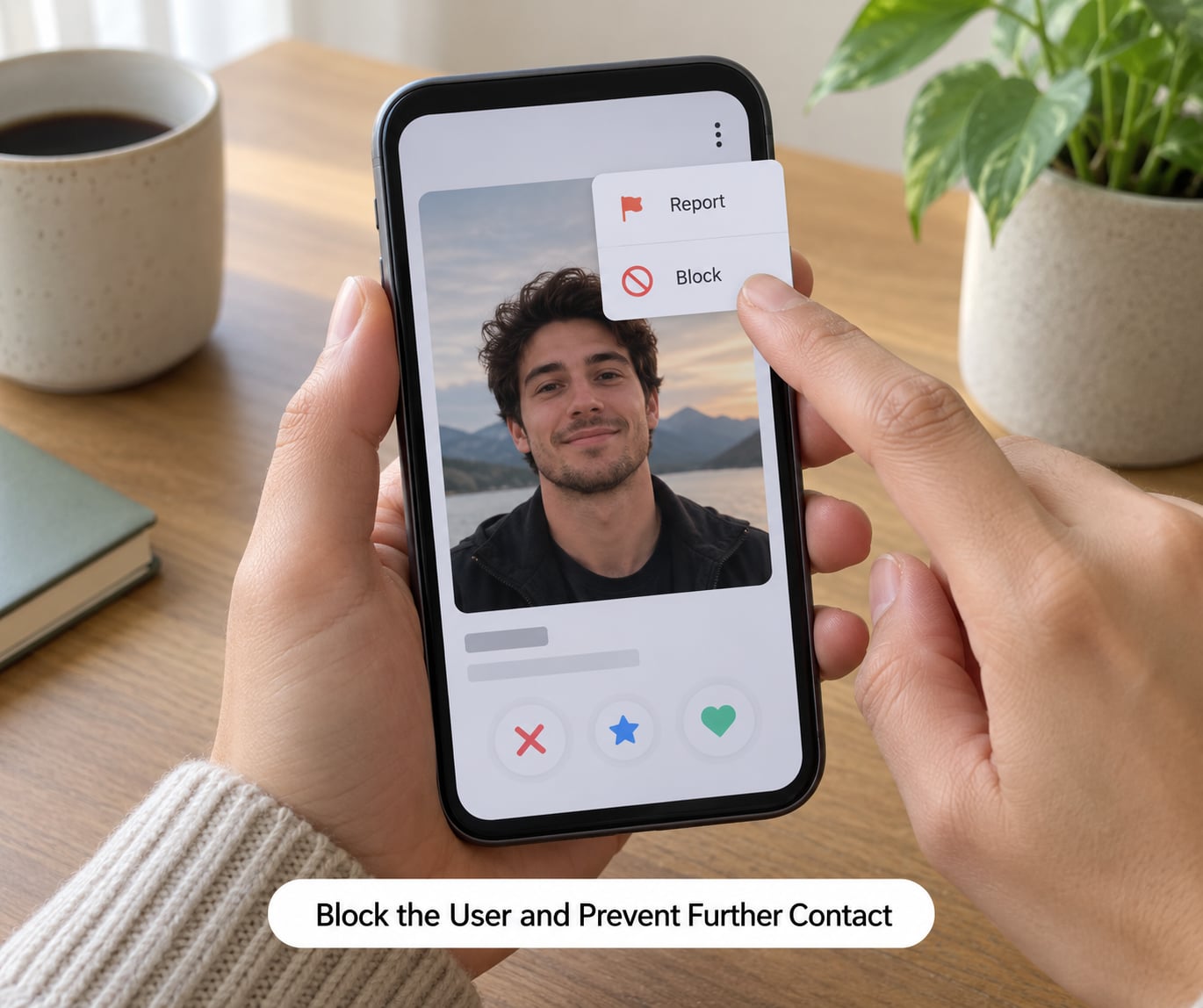
Blocking stops you and protects you. Reporting gets the account reviewed. They are different tools and only the report reaches the moderation team.
On Bumble, the chat menu offers Block & Report as a single action, which is the most searched question in that app’s community. Members in r/Bumble describe the frustration directly: people who only want someone gone are forced to file a report they never intended to make. If a report category would be inaccurate, an unmatch still removes the conversation, and the profile-level Hide & Report option is separate from the chat menu.
A block does not delete anything you already received, and it does not remove existing matches from other lists on every app. After blocking, go back and remove the match from your likes, your conversations, and any hidden or super-like lists the app keeps.
Then tighten the settings that generate new contact: restrict who can send message requests, disable read receipts if the app allows it, turn off profile discovery for unknown accounts, and limit who can see your photo. Anyone who is blocked on some apps also loses the ability to see your activity status, so check what your version exposes.
Confirm the Actions and Respond Safely
Confirm the block by checking the profile directly. If the profile no longer loads or shows as unavailable, the block registered. Try opening the conversation and see whether the messages are gone from your side too.
Confirm the report differently, because there is usually no confirmation message. Most apps send a generic acknowledgment such as a thank-you notice, and nothing further. Users describe filing a report and hearing nothing for weeks, then assuming nothing happened. That silence is normal, not a sign the report was discarded.
If you filed through a support ticket or a web form, keep the ticket number. That is the only handle you have if you need to escalate later.
If nothing changes after a report, do not treat silence as permission. Escalate through the app’s support channel with your screenshots, and move up the ladder from there when the behavior involves threats, fraud, extortion, or sexual images.
Common Dating-App Safety Settings to Review
Once the immediate situation is handled, spend ten minutes on the account itself. A report from someone who just guessed your handle will not help you.
Turn on two-factor authentication wherever the app offers it, and use a unique password that appears nowhere else. Dating apps are a popular target for credential stuffing because password reuse turns one leak into several.
Audit linked accounts. Instagram, Spotify, Apple, and Google sign-ins can expose your real name, and a few apps sync your contacts to suggest matches. Removing those links shrinks what someone can learn about you without ever matching.
Set who can message you. Incognito mode on some apps hides your profile from people you have not liked, and message-request settings on others let you limit senders to people you already matched with.
Hide your exact location. Disable location sharing and distance filters, and avoid posting screenshots that show your home, your commute, or a license plate. If you already shared a photo of your home or workplace, remove it.
Review connected safety features and remember what they do and do not do. Photo verification confirms a photo is tied to a real account. A private detector blurs explicit images in incoming messages. A crisis sharing feature lets a trusted contact see your location during a date. None of them replace reporting when someone violates the community guidelines.
Keep a running note of repeated behavior. Dates, usernames, screenshots, and account names in one file make a second report far stronger and give a support team a pattern rather than an anecdote.
What to Do if the Account Returns
People recreate accounts. A ban removes the profile, not the person, and the same photos often reappear within days under a new username.
Save the new evidence before you block it, same as before. Screenshot the profile, note the new username, and record the date you saw it. Then block and report the new account, and say clearly in the report that this appears to be a previously reported account returning.
That line matters. It tells the moderation team this is a repeat, and many apps escalate repeat evasion faster than a first offense.
Do not engage with the account. No warning, no reply, no “I know what you did.” Engaging gives the person content and can make you look like the aggressor in a moderation review.
Never threaten them back, and never post their details publicly. Retaliation turns a platform problem into a harassment case that now involves you.
If the new accounts keep coming after three or four reports, escalate to the support team with the pattern and ask specifically about ban evasion, then consider contacting a platform accountability project or an attorney if the conduct includes threats or extortion.
When the Situation May Be More Serious
Most reports are about a bad interaction. Some are about conduct with legal weight, and the difference is what you do next.
Ordinary unwanted contact is an unwelcome message, an unmatched advance, a fake profile that wastes an afternoon. Blocking and reporting handle that.
Escalate when the behavior includes any of these: threats to harm you or someone else, stalking or showing up where you live or work, doxxing, publishing your address, workplace, or family details, non-consensual intimate imagery, financial fraud or a romance scam, sextortion, or any attempt to contact a minor.
Sextortion is a specific pattern worth naming. Someone threatens to distribute intimate images unless you pay or comply. Do not pay, do not keep negotiating, do not delete anything. Save the evidence and go to law enforcement.
In the United States, local police can take a report, and the FBI’s Internet Crime Complaint Center accepts online filings for internet-enabled fraud, extortion, and non-consensual image abuse. If there is immediate physical danger, call emergency services first. A platform report and a police report are separate records, and filing one does not replace the other.
After a serious incident, treat your devices and accounts as exposed. Change your phone number if it was shared, rotate your email password, review social accounts for unknown viewers, and check location sharing. Reach a victim-support organization or a domestic violence shelter if someone is stalking or threatening you, because they can help with safety planning that a generic guide cannot.
Protect people who get targeted for harassment disproportionately. Consistent reporting in queer and dating-safety communities is framed as collective protection rather than personal revenge, because the same account moves from profile to profile.
Common Mistakes
Blocking without reporting when a safety violation occurred. The block protects you today and leaves the account live for the next person. Do both whenever the conduct broke the guidelines.
Treating a filed report as proof something happened. Most platforms send an acknowledgment and nothing more. A report is an input to moderation, not a verdict, and silence after submitting does not mean the report was discarded.
Blocking before screenshotting. Blocking can remove the conversation from your view permanently, and with it the only copy of the evidence.
Filing a vague report. “This person is toxic” gets sorted and closed. Dates, verbatim messages, and the exact violation give a reviewer something to act on.
Picking the wrong category. Choosing fake profile for a harassment case, or throwing in a threat category for something minor, slows the review. Read the category definitions before you tap.
Ignoring linked accounts. A report does nothing about the Instagram profile in your bio or the contact card that synced into the app.
Confronting or threatening the person. It hands them something to use against you, can get your account restricted, and sometimes escalates an uncomfortable chat into a genuinely dangerous one.
Securing your own account after the fact. New accounts, old passwords, and public profiles are how people get found again after a block.
Skipping the report entirely because the app merged block and report. On apps where the two actions are combined, an unmatch still gives you distance, and the report matters for everyone who comes next.
Frequently Asked Questions
Can I unblock someone after blocking them on a dating app?
Usually yes. Most dating apps keep a blocked list in Settings, Privacy, or Safety where you can unblock a name and restore the match. Some versions clear the conversation permanently when you block, so an unblock may bring back the profile without bringing back the message history. On a few apps unblocking is not available and only support can reverse it.
Can someone see when I report them on a dating app?
No. Platforms do not disclose who filed a report, and the reported person is not given your name, photo, or message. What they may see is the consequence: a removed profile, a warning, a temporary restriction, or a ban. That is why reporting feels silent, and it is also why reporting a genuine threat is worth doing even if the person retaliates by creating a new account.
Should I block someone after reporting them?
Yes, if you want no further contact. Reporting flags the account for review but does not by itself stop messages from arriving. Blocking stops the conversation on your side. The order matters: capture screenshots first, then report, then block. On apps where report and block are a single combined button, one tap does both.
What should I do if the same person creates another dating profile?
Screenshot the new profile and note the username and date, then block and report it again. State in the report that the account appears to be a previously reported user returning, because repeat ban evasion is escalated faster than a first offense. Do not message the person or threaten them. If it keeps happening after several reports, escalate to the support team with the full pattern.
Will the dating app tell the person that I reported their account?
No reputable dating app tells a reported user who reported them or that a specific report came from you. The person sees the outcome if there is one: a warning, a restriction, removal, or a ban, without an explanation naming the source. That anonymity guarantee is the reason a report is safe to file even when you are dealing with someone who retaliates online.
Conclusion: Take the First Safe Step
Capture the evidence, choose the category that actually describes what happened, submit the report, and block. Those four steps are how to block and report someone on a dating app, and they take about three minutes once you know where the button is.
You owe no explanation to anyone you block. “No” is a complete sentence, and a courteous goodbye is optional.
Report promptly, and do not wait to see whether it repeats, when the behavior involves threats, fraud, sexual images, impersonation, or an attempt to contact a minor. In those cases file with law enforcement as well, because the platform and the police keep separate records and you will want both.