To reverse image search a dating profile photo, save a clean copy of the picture and run it through Google Lens, Yandex Images and TinEye, in that order, then read the matches instead of guessing at them. It takes about two minutes per photo. The part people skip is interpreting the results, because a blank result does not mean the person is real.
Stolen profile photos are still one of the most common tricks in online dating, and checking takes less time than picking a restaurant. What follows is a free-first method, no paid service required, that keeps you on the right side of someone else’s privacy while you look.
Table of Contents→
- What You Need
- Step-by-Step: How to Reverse Image Search a Dating Profile Photo
- Common Mistakes
- Frequently Asked Questions
- How do I reverse image search someone’s profile picture?
- What is the best reverse image search for finding someone by photo?
- Why does Google Lens only show similar images and no exact matches?
- What do I do when the reverse image search finds nothing?
- Can an AI-generated dating photo be caught by reverse image search?
- Can ChatGPT or another AI chatbot find a person from a photo?
- Conclusion
What You Need
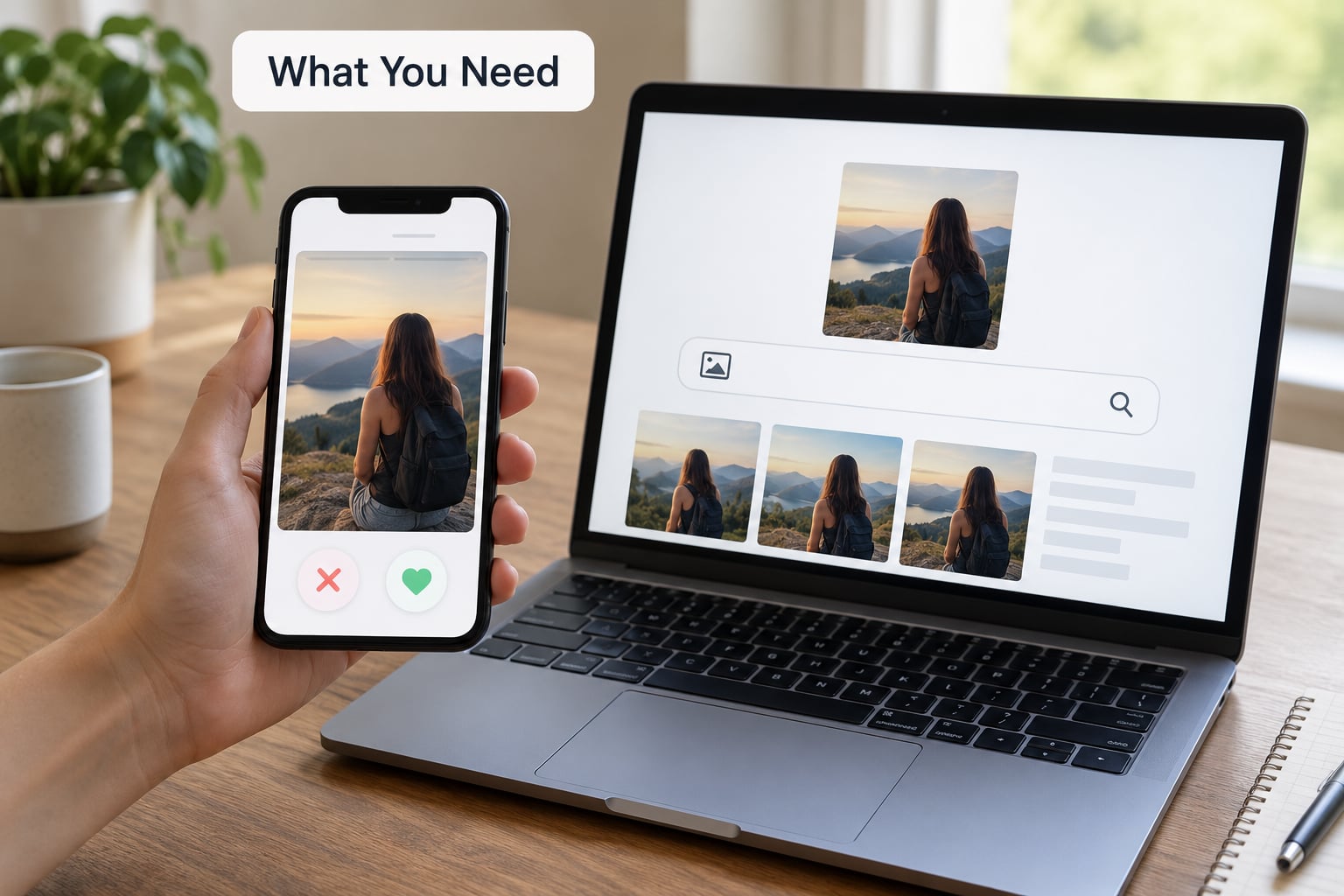
You need a phone or laptop with internet access and an accessible copy of the photo. That is the whole list.
- Google Lens for the broadest web index. It finds most public copies of a photo.
- Yandex Images for faces specifically. It matches on facial geometry, so it handles compressed and lightly edited pictures far better than pixel comparison.
- TinEye for exact duplicates and the date an image first appeared online.
- Bing Visual Search as a quick second opinion when the others stall.
- A paid face-search database such as PimEyes or FaceCheck.id, optional and not needed for a first check.
A note on the paid tools before you go there: uploading someone’s face to a commercial database creates a record of your search on someone else’s behalf. On r/catfish, where this comes up constantly, the consensus is that free tools handle most cases and the paid route is worth it only when you have a specific question a free engine could not answer.
Step-by-Step: How to Reverse Image Search a Dating Profile Photo
Use Google Lens or another reverse image search
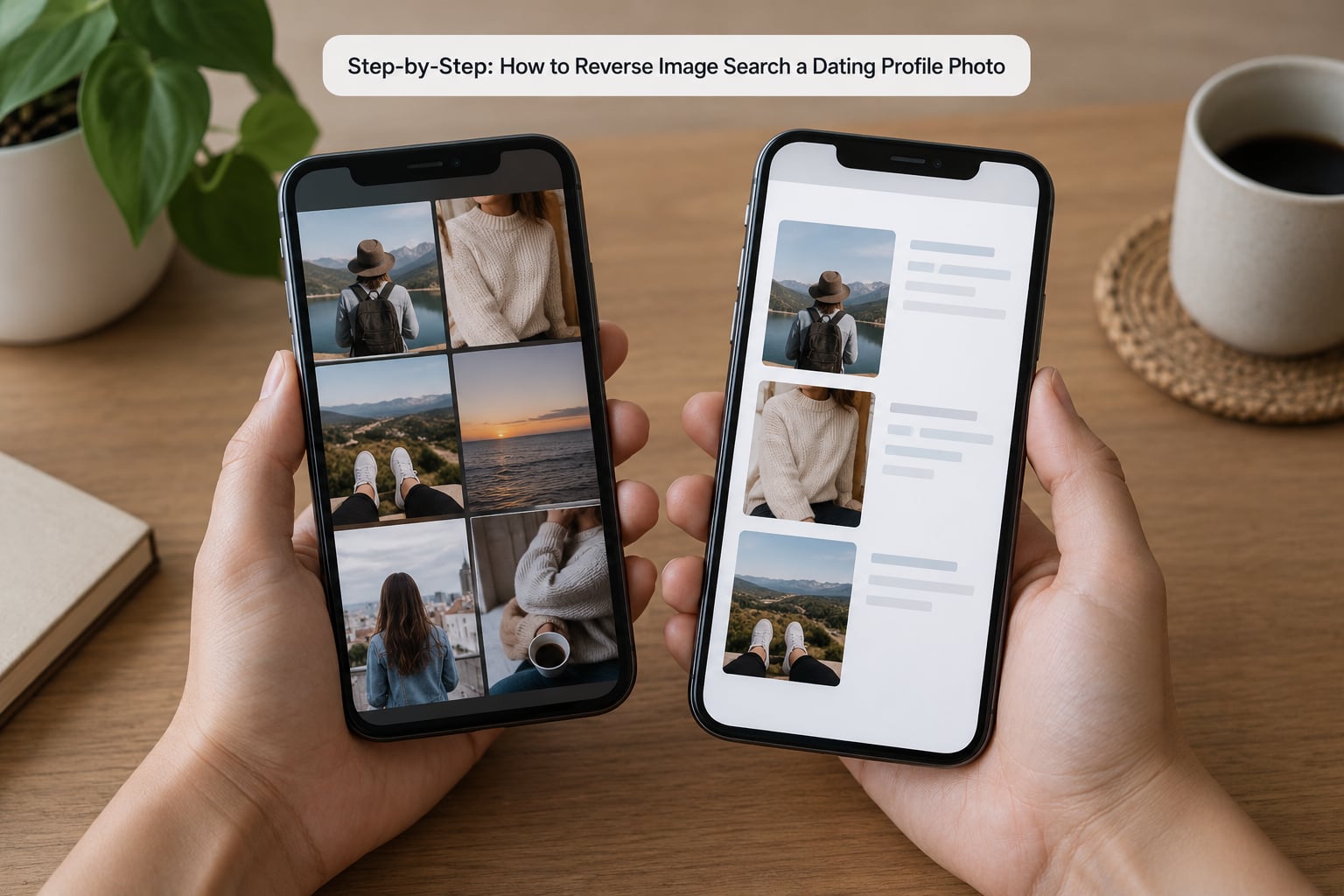
First, get a clean copy. On iPhone and Android, take a screenshot of the profile while the photo fills the screen, then crop away the app interface, the name, the age badge and any overlay text. That crop matters more than it looks like it should, because the leftover text and logo drag the engine toward pages about the app instead of pages about the person.
On iPhone, open Google app, tap the camera icon in the search bar and choose the screenshot. On Android, use Google app the same way, or open images.google.com on the desktop and drag the file straight onto the page. With Yandex, open yandex.com/images and use the camera icon. TinEye works the same way from tineye.com.
The single biggest frustration on forums is that Google Lens returns a wall of lookalike faces and no exact copy. Open the top bar and switch to the exact matches filter, then move to Yandex if that comes back thin. Users on r/OkCupid and r/catfish do this every time now; the default similar-image view is where people give up and assume the profile is clean.
| Engine | Handles compressed app photos | Finds modified or cropped copies | Broadest index | Best used for |
|---|---|---|---|---|
| Google Lens | Moderate | Moderate | Yes, the public web | Finding public copies first |
| Yandex Images | Best | Best | Good, plus platforms Google skips | Face photos and edited pictures |
| TinEye | Weak | Good on exact copies | Moderate | Date of first appearance |
| Bing Visual Search | Moderate | Moderate | Moderate | A quick second pass |
| Paid face search | Best | Good | Scans non-public sources | Only when free tools come back empty |
Review the results and check the original source
Sort matches into three piles. A strong lead is the same photo, same file, usually on a social account you can open. A moderate lead is the same photo cropped, filtered or resized, sometimes with a different name attached. A weak lead is a person who merely resembles the face, and those are noise no matter how many you find.
Then check whether the contexts cohere. A real person’s photo tends to appear in places that fit together: a hiking account with a hiking photo, a food account with restaurant shots, a bio that matches the age. A stolen photo usually appears in incoherent contexts, the same face at a beach, a gym and a formal event, with no plausible link between them. On r/catfish this is the diagnostic people actually trust, more than any single engine result.
Open the two or three strongest matches and look at the date first appearance, the caption and the username. That username is the real breakthrough. Run it in quotes across social platforms and you may find the same photo set under a different name, which is the moment the question stops being theoretical.
Finally, write down what you found before you do anything with it: the link, the date you saw it and a screenshot. Dates matter because a stolen photo can disappear. Scammers file DMCA takedowns, so an image searchable last week may be gone now, and an empty result says nothing about whether it ever existed.
If the results come back clean, check the photo itself rather than the search. Look at the background for clues that do not fit, a second person cropped at the edge, a reflection in a mirror, a hotel headboard, a bar wristband, a gym logo. Then look at the account: how long it has existed, whether the photos are all recent and heavily filtered, whether the bio is thin and the photos are not.
Common Mistakes
Searching a cropped screenshot with app UI still in it. Crop before you upload. The overlay text pulls the engine toward unrelated pages.
Trusting one engine. Run at least two. Google for web coverage, Yandex for faces, TinEye for the first appearance. An empty result on one tells you very little.
Reading visual similarity as proof. A wall of similar faces is not a match. Switch to exact matches or ignore the results entirely.
Treating a blank result as a clean bill of health. Plenty of dating photos are never publicly indexed. Someone on r/catfish put it well: not finding them does not mean they are not a scammer.
Confronting someone on weak evidence. If you have a moderate lead, say what you noticed calmly and ask a question. Reserve accusations for an exact match under a different name, and even then, leave.
Uploading a stranger’s photo to a paid face database. That creates a trail back to you, and it is not something to do for a first message.
Checking the photo but ignoring the account. The picture is one signal. Account age, verification badges, video calls and consistency across several photos tell you more.
One habit covers most of it. Before a first date, spend two minutes: run the main photo through Google Lens and Yandex, look at the contexts, and check two other photos for the same username. It takes less time than waiting for the drink.
Frequently Asked Questions
How do I reverse image search someone’s profile picture?
Save a screenshot of the photo and crop out the app name, badges and any text overlay. Then upload it to Google Lens, Yandex Images and TinEye, in that order. Yandex handles compressed and edited faces best, Google covers the widest web, and TinEye tells you the date the image first appeared. Open the strongest matches and check whether the contexts make sense before you read anything into them.
What is the best reverse image search for finding someone by photo?
Yandex Images is the strongest free option for faces because it matches on facial geometry rather than exact pixels, which is why it survives the compression dating apps apply. Google Lens covers the widest web index, and TinEye is the one to add when you want the date an image first appeared. Most people get a clear answer by running all three rather than by finding one perfect tool.
Why does Google Lens only show similar images and no exact matches?
Google Lens defaults to visually similar results, which is why a search for a face returns a wall of lookalikes. Open the exact matches filter at the top of the results bar to switch views. If exact matches are still thin, the photo is probably modified, cropped or not on the indexed web, so run it through Yandex Images next, which matches on face geometry and tolerates heavy compression.
What do I do when the reverse image search finds nothing?
Treat an empty result as unknown, not as proof the person is real. Many dating photos are never publicly indexed, and scammers remove stolen copies with DMCA takedowns. Run the photo through a second engine, try another photo from the same profile, and search the username in quotes across social platforms. If you still find nothing, weigh that alongside the account signals rather than treating silence as a result.
Can an AI-generated dating photo be caught by reverse image search?
Not reliably. A generated face has no original online, so there is nothing for an image index to match, and every engine will come back empty. Check the photo instead: look for an oddly smooth background, earrings that do not match, asymmetry in glasses, text on signs that turns to nonsense, or fingers and earrings that change between their two photos on the profile. A live video call settles it faster.
Can ChatGPT or another AI chatbot find a person from a photo?
No. Image-based chatbots cannot perform face identification or reverse image search. They can describe a photo, help you write out the search steps, and tell you which engine to use, but the matching work happens in image search indexes and face-search databases like Google Lens, Yandex and TinEye. Use the chatbot to plan the search, not to run it.
Conclusion
Start with one photo, cropped clean, run through Google Lens and then Yandex Images. Add TinEye when you want a date attached to the match, and take the username you find into a second text search.
A search result is a lead, not a verdict. A strong match under another name is worth a calm question before you meet; a blank result means nothing on its own, and an AI-generated face will never show up in any engine. Protect your own privacy while you check, keep your account details unshared, and if something is inconsistent, a video call and a public place are a reasonable answer to it.